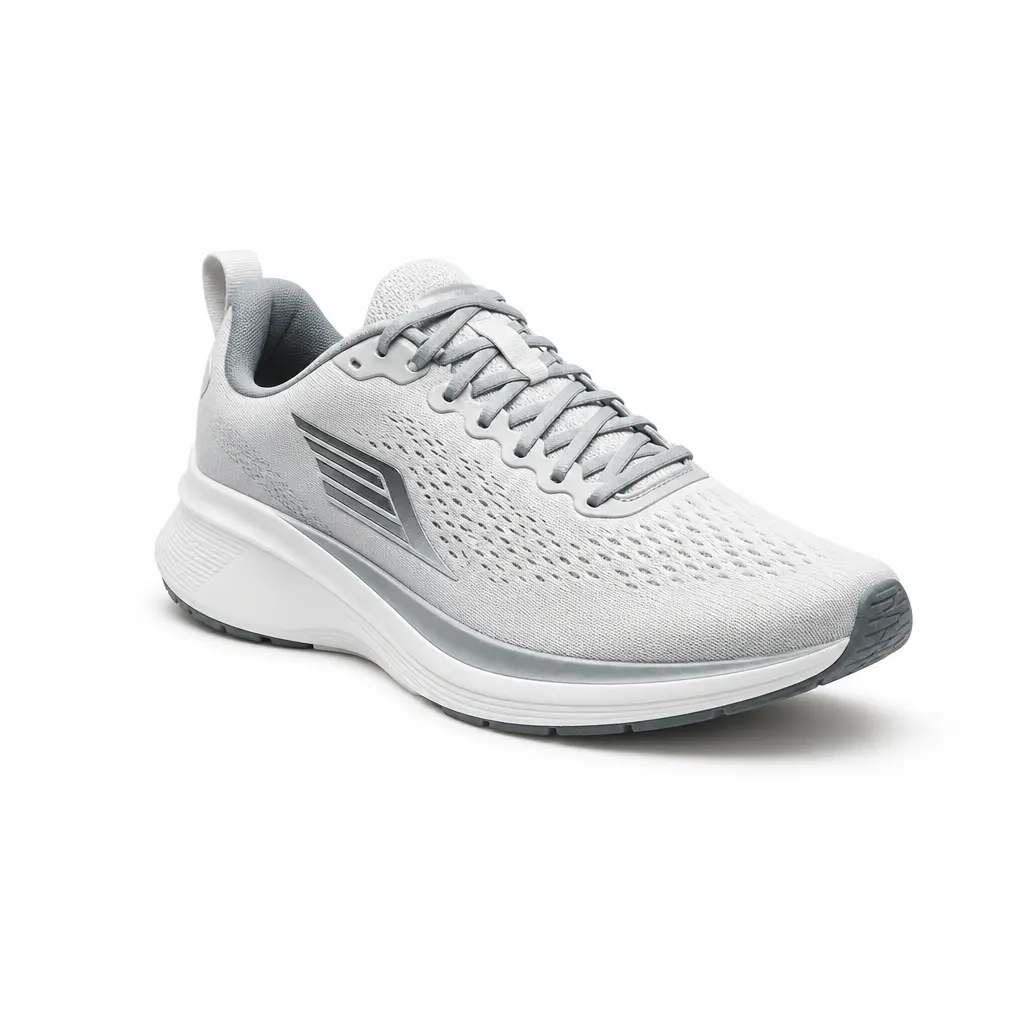
Remove Background from Image Instantly Online
A browser-based background remover for images that isolates subjects and replaces backgrounds with white or simple alternates — perfect for ecommerce, portraits, and quick photo cleanup.
This page focuses on still-image removal: clean cutouts, export-ready PNGs with transparent or white backgrounds, and a workflow that works directly in your browser.
What the background removal tool does best
Focused on still-image background removal, our AI handles hair, textures, and transparent edges with consistency.

Cleanly isolate subjects with precise background removal
Hair strands, fabric threads, and thin product outlines stay crisp and readable after you remove background from image — no rough halos or cutout artifacts.

Remove background from portraits and headshots in one click
Get clean profile photos, ID-style headshots, and studio-like portraits by replacing busy backgrounds with white or transparent — ideal for teams and personal branding.

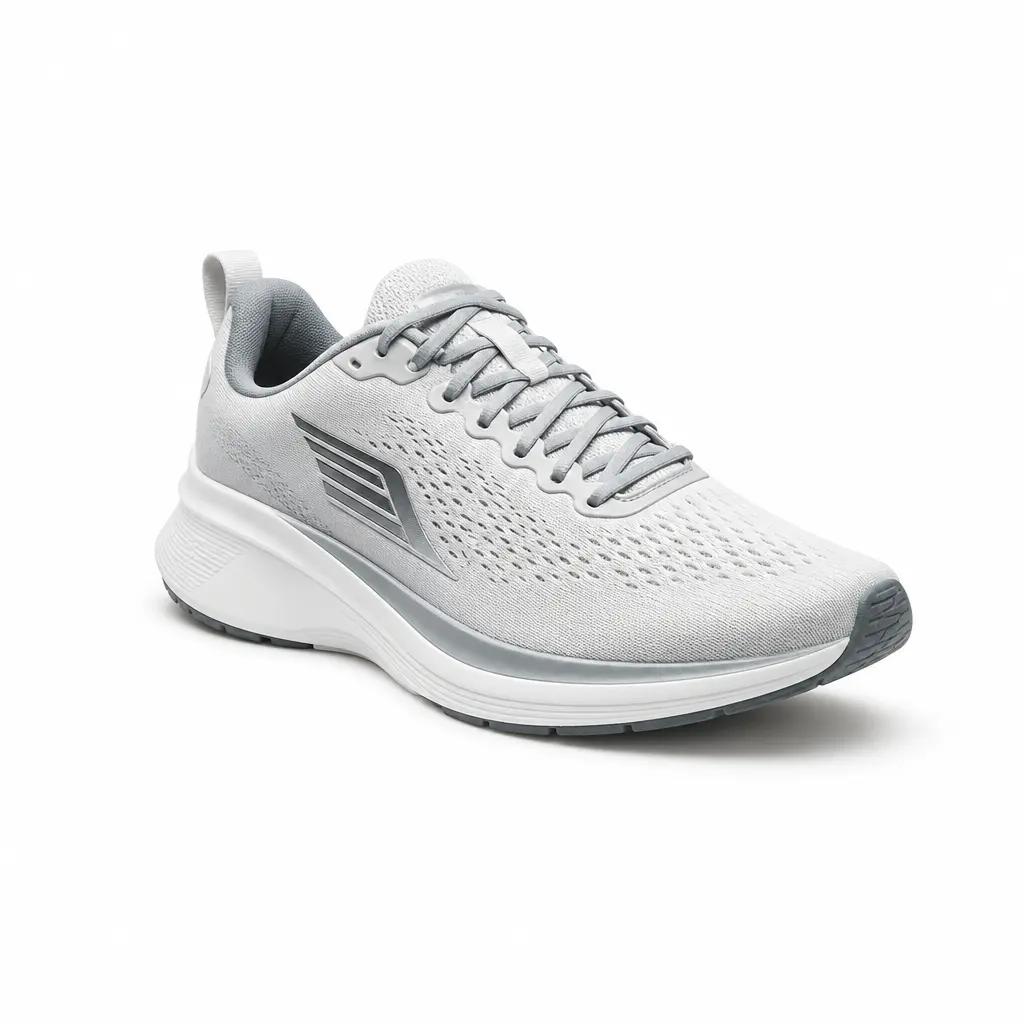
Produce transparent or white background PNGs for ecommerce
Export product photos with pure white or transparent backgrounds that meet marketplace standards. The online photo background remover helps your listings feel standardized and trustworthy.
Why Creators Rely on This Background Remover for Images
See how online sellers and designers get fast, professional cutouts every time with our browser-based background removal.
Lisa Chen
Ecommerce Photographer, Urban Luxe"I used to spend hours masking in Photoshop. Now I just drag a product photo, the background disappears, and I get a clean PNG ready for our Shopify store. The edge detail is flawless."
Marko Jovanović
Founder, Handmade Craft Co."As a small business owner, I needed a quick way to remove background from image before uploading to Amazon. This tool does it in seconds, and the white background output looks like a professional studio setup."
Ana Ruiz
Graphic Designer, Pixel & Bloom"I design social media graphics with transparent PNGs daily. Removing the background of a logo or character has never been simpler — no software to install, just open the browser."
What This Photo Background Remover Is Built For
From fast exports to transparent PNG support, here’s how our background remover for images supports your daily editing.
Works with the most common still-image formats
Upload product shots, portraits, or social-ready visuals from your phone or camera and get a clean cutout instantly.
Current scope
JPG, PNG, WebP
Every export aims for a pristine final backdrop
After you remove background from image, choose a solid white or fully transparent canvas to fit any listing or design need.
Current scope
Transparent or white backgrounds
Fine details stay respected during removal
Hair, fur, lace, and thin packaging are preserved so your cutouts feel natural, not flattened.
Current scope
AI subject isolation
Access the background remover anywhere
Open the tool on your laptop or mobile, upload a photo, and download the result without installing editing software.
Current scope
Browser-based, no install
Frequently Asked Questions About Removing Background from Images
Straight answers about online photo background removal, supported formats, video, and how to get clean PNG exports.
How to Remove Background from Image Online in 3 Steps
From upload to clean transparent or white background in seconds with our browser-based remover.
Upload your image
Drag any photo, product shot, or portrait into the online photo background remover. No registration needed to start.
Preview the background removal
Instantly see your subject without its original background. Zoom in to check fine edges like hair or mesh, and toggle between white and transparent backgrounds.
Download your clean PNG or JPG
Grab your image with the background removed, upload it to your store, or start the next edit. Repeat as often as you need.
Ready to Remove Backgrounds from Your Images?
Open the background remover, drop your first photo, and see how fast you get studio-quality cutouts for all your product listings and profiles.