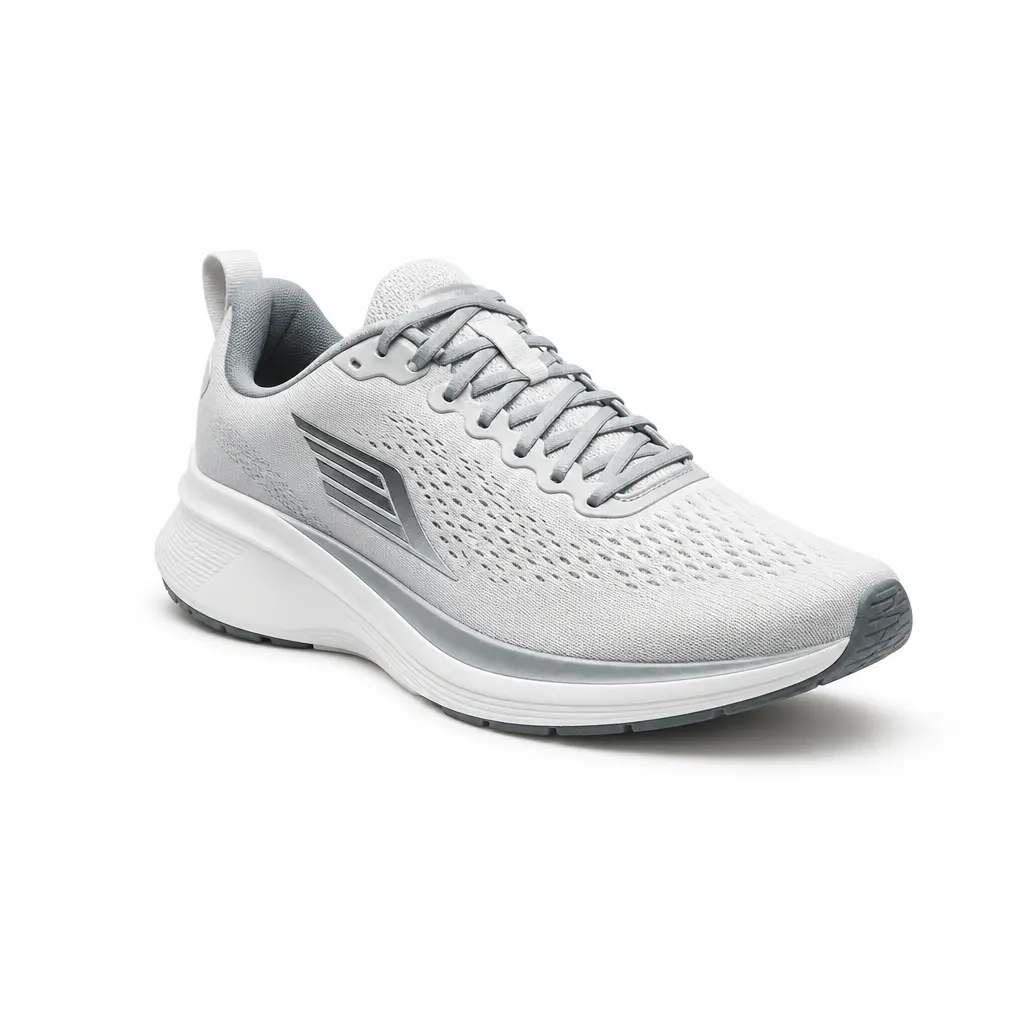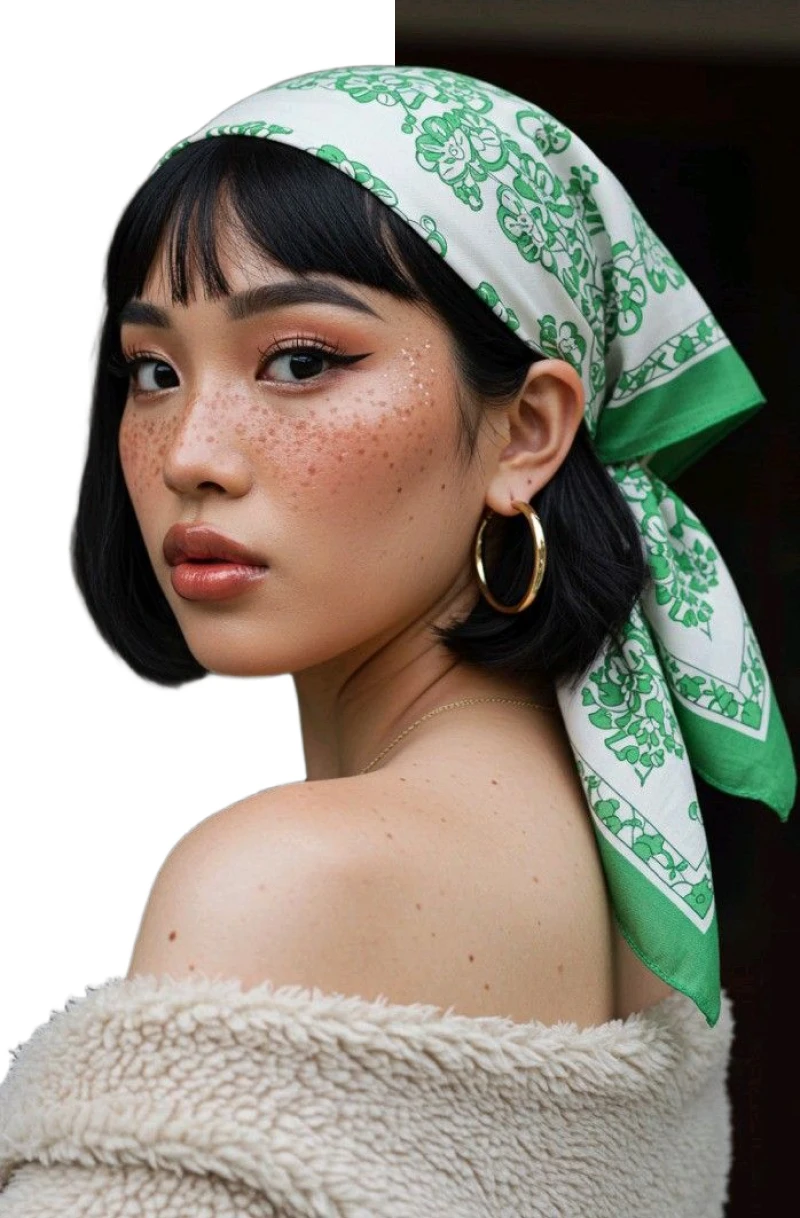

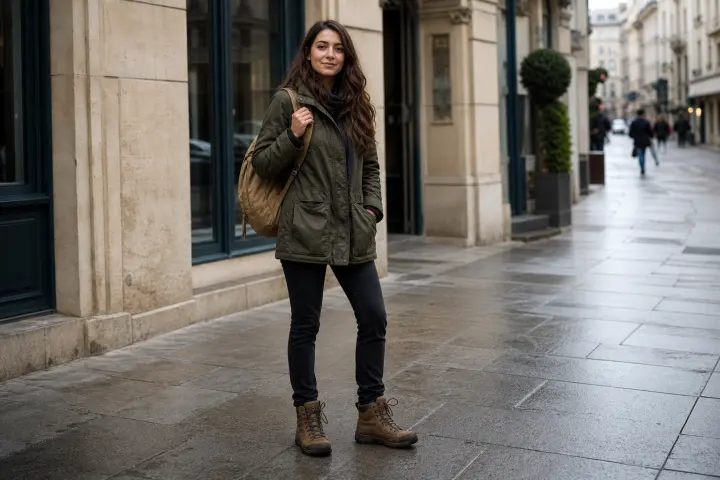
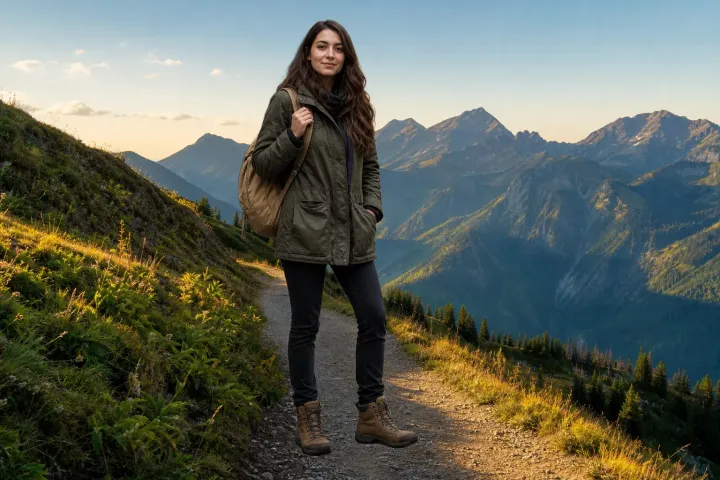
Place the subject in another scene
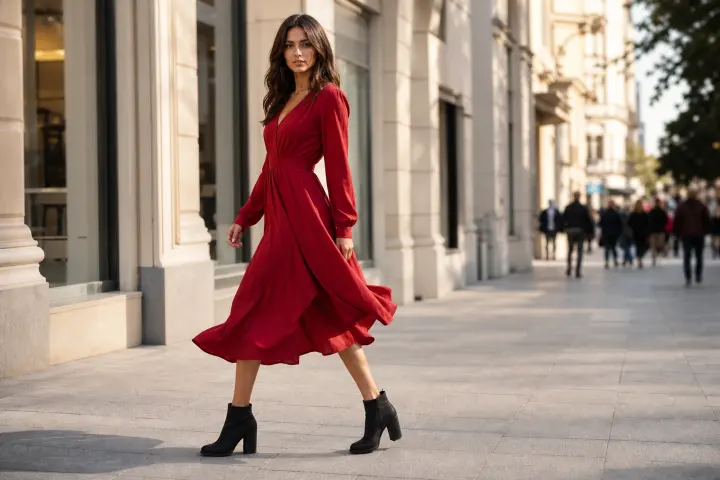
Check scale, edge contrast, and light direction against a photographic replacement.
Use this photo replacement example to review subject placement, contact, and edge contrast.
Upload a photo, isolate the subject, and preview a solid color or another image behind it.
PNG, JPG, JPEG, or WebP — up to 10 MB. Review how the cutout fits the replacement scene.
Upload a photo, isolate the subject, and preview a solid color or another image behind it.
PNG, JPG, JPEG, or WebP — up to 10 MB. Review how the cutout fits the replacement scene.
Scene-fit comparisons
Review the same workflow against a replacement scene and a simpler background before choosing the final direction.
Check scale, edge contrast, and light direction against a photographic replacement.
Use this photo replacement example to review subject placement, contact, and edge contrast.
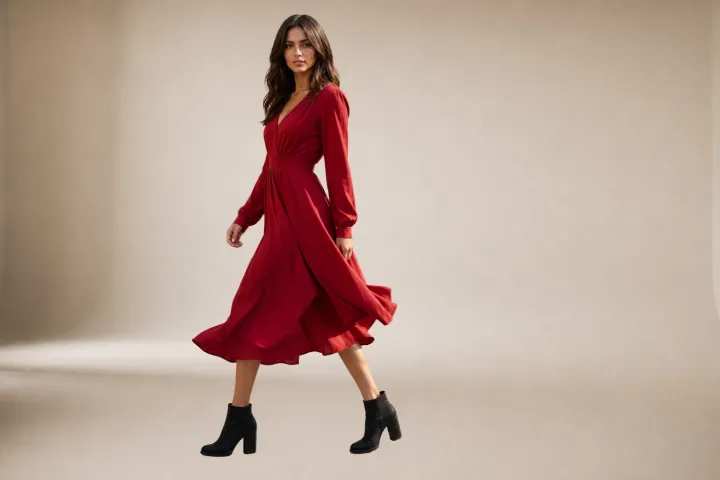
Compare the subject outline where a solid background makes pale or dark edges easier to judge.
Use this photo replacement example to review subject placement, contact, and edge contrast.
Match the replacement type to the final use of the image.
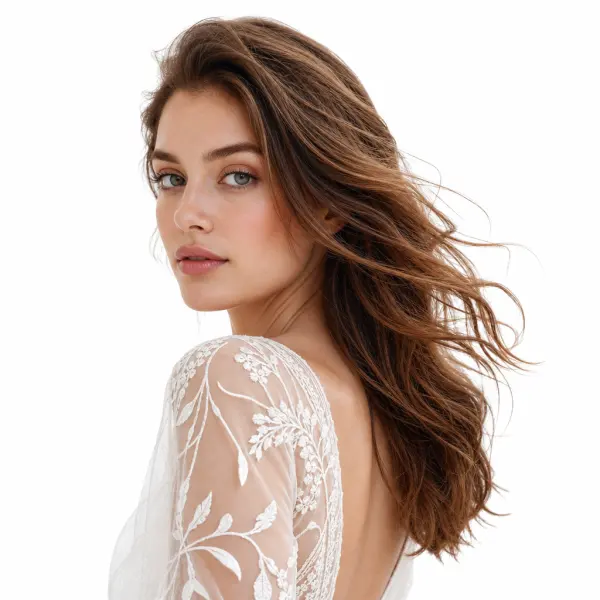
Use a new scene when context and atmosphere matter.

Choose a simple field for portraits, graphics, or brand layouts.
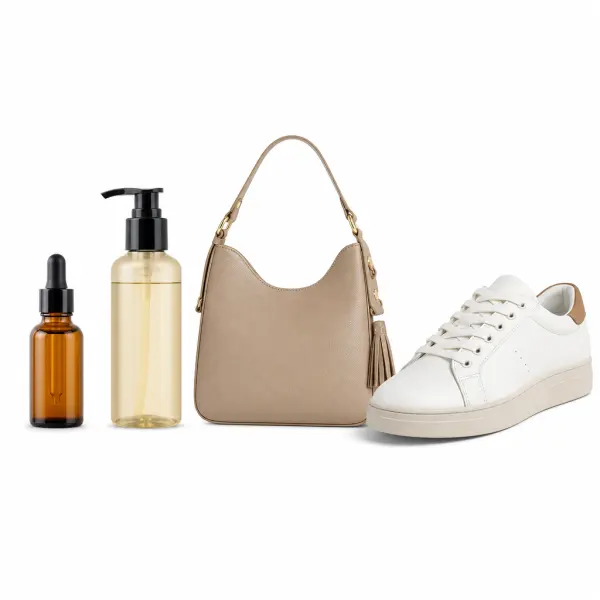
Use white when a neutral, uncluttered result is the goal.
Leave the area empty when another layout tool will supply the final scene.
A convincing replacement depends on the visible relationship between subject and background.
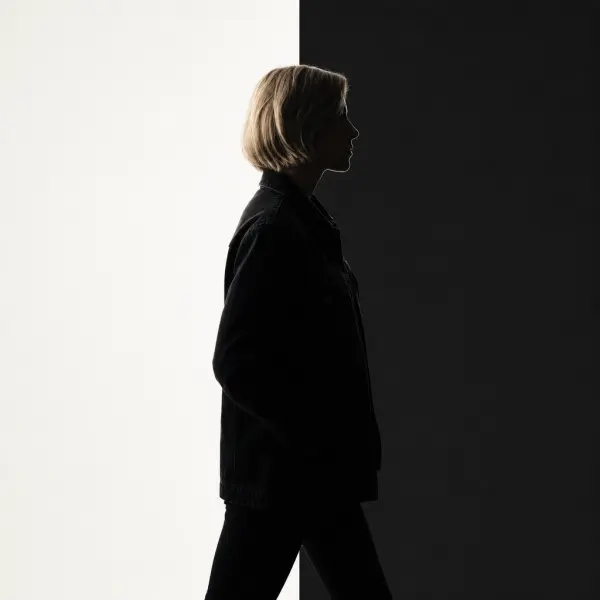
Inspect where similar foreground and background colors meet.
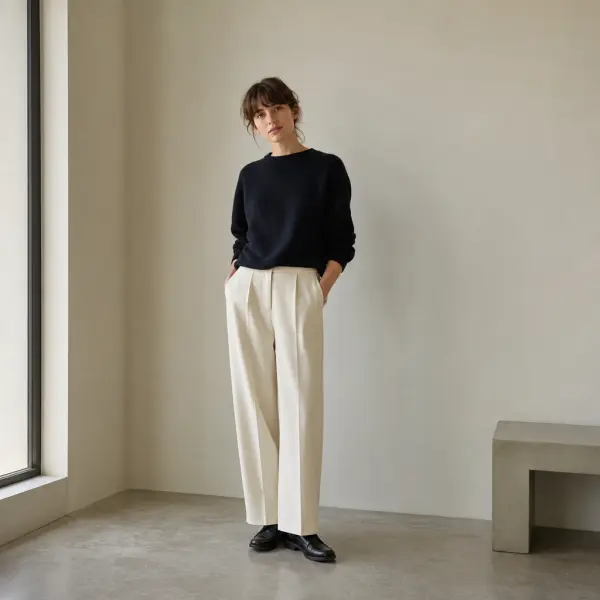
Make sure the subject feels intentionally positioned in the frame.
Choose a background whose direction and viewpoint suit the source photo.
Review the point where the subject meets the new scene so it does not appear to float.
Match the background type to the destination while checking placement and supported image inputs.

Choose the scene that supports the intended use.
Current scope
Background type
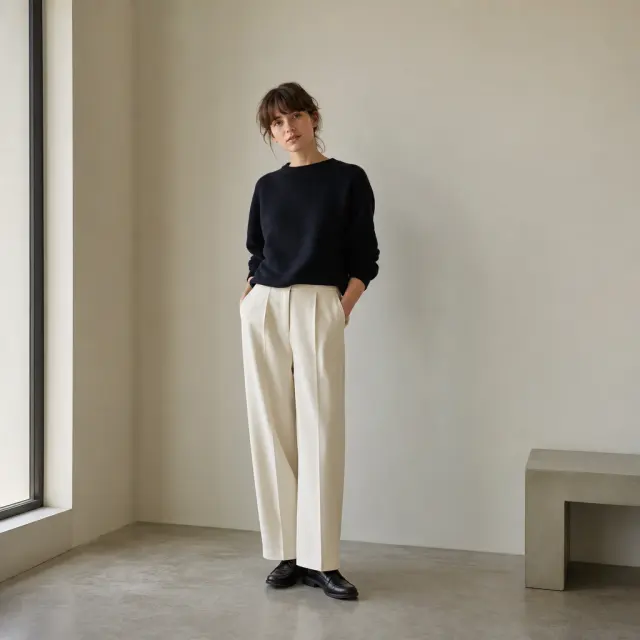
Inspect the complete subject against the replacement.
Current scope
Subject review
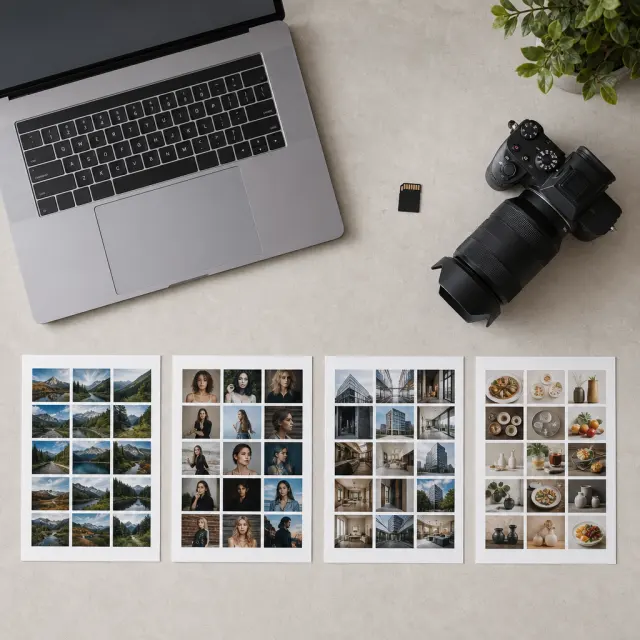
Upload a supported image up to 10 MB.
Current scope
Source files
Before you open the workspace, these checkpoints explain where the online tool fits, what file and quality limits to expect, and how uploads are handled.
Uploaded photos and videos are processed for the requested background edit, then removed from active processing storage after the result is generated.
Current scope
Temporary processing
Use JPG, PNG, WebP, MP4, or MOV files depending on the workflow. Very low-resolution sources, heavy blur, or extreme motion can limit final edge quality.
Current scope
Format-aware exports
The AI workspace is best for fast, repeatable background edits; manual Photoshop-style masking still helps when a file needs pixel-level art direction.
Current scope
Faster than manual masking
Product photos, portraits, passport-style images, and short clips work best when the subject is clear, well lit, and not heavily obstructed.
Current scope
Use-case fit check
Start free, choose a recurring plan for steady production, or buy credits when you only need a few clean white-background exports.
Answers distinguish custom images, colors, white output, supported files, and the separate video workflow.
Isolate the subject, choose the new scene, then compare edge contrast, scale, and contact cues.
Choose a supported image up to 10 MB.
Process the photo so the subject can be placed independently.
Preview a color or another image and inspect edges, scale, and contrast.
Open the image workspace to compare a color or custom image behind the isolated subject.