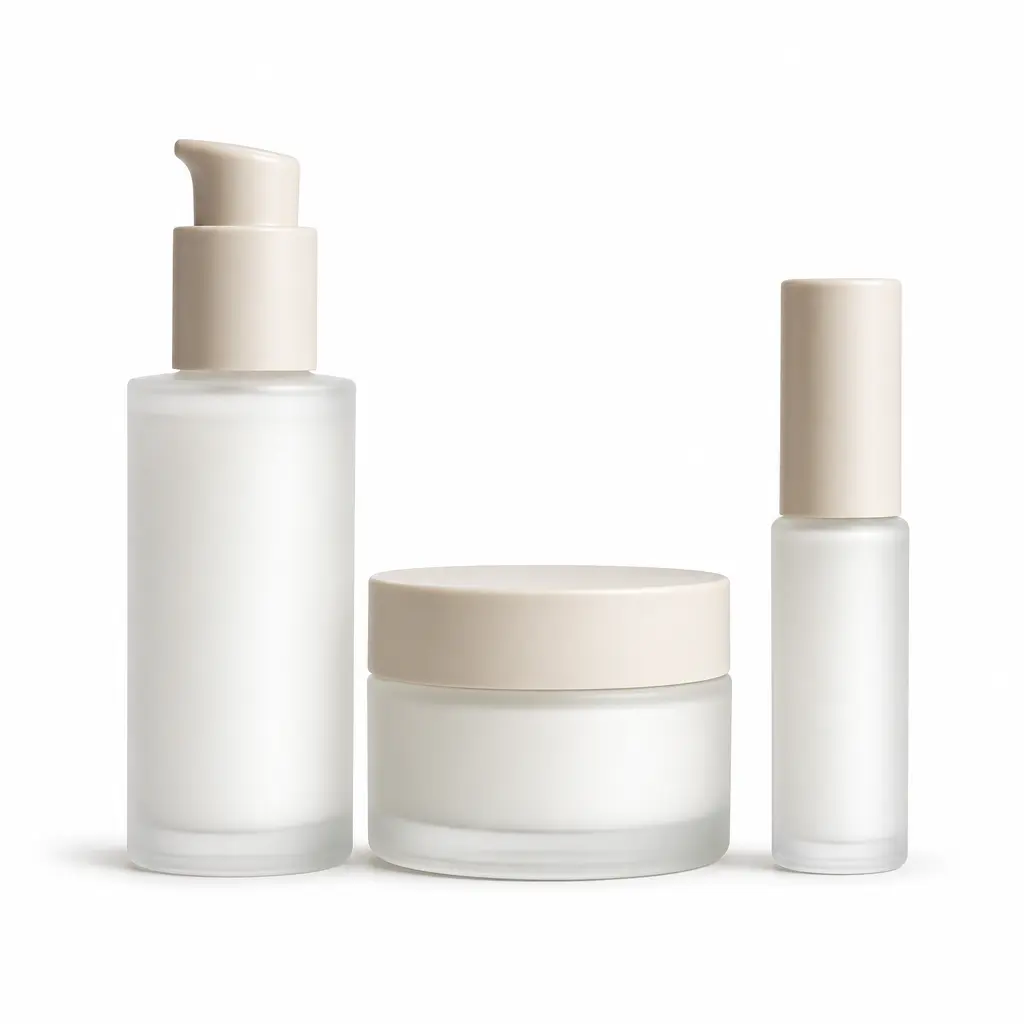


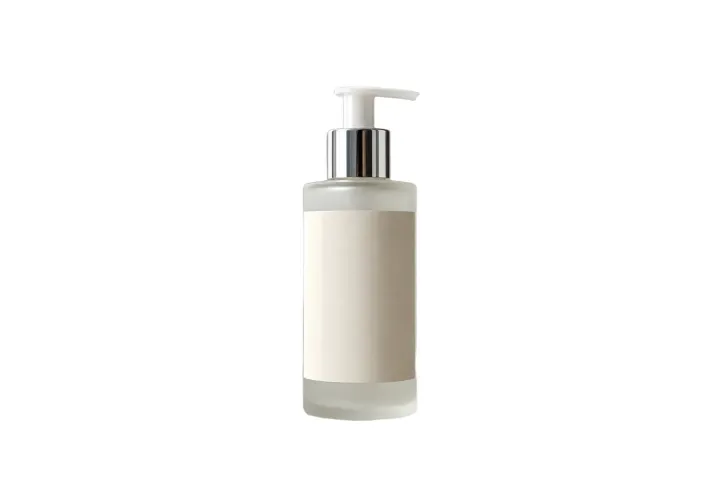
Reflective and pale products
Inspect highlights and the full silhouette where the product approaches white.
Use this product-photo comparison to inspect reflective edges, contact, crop, and listing space.
Place a product on white, then inspect edges, crop, spacing, reflections, and shadows before using the listing image.
PNG, JPG, JPEG, or WebP — up to 10 MB. Verify each marketplace’s current requirements separately.
Place a product on white, then inspect edges, crop, spacing, reflections, and shadows before using the listing image.
PNG, JPG, JPEG, or WebP — up to 10 MB. Verify each marketplace’s current requirements separately.
Material and framing review
Different materials need different checks before a product image is ready for its destination.
Inspect highlights and the full silhouette where the product approaches white.
Use this product-photo comparison to inspect reflective edges, contact, crop, and listing space.


Check narrow details, complete framing, and the area where the product meets the surface.
Use this product-photo comparison to inspect reflective edges, contact, crop, and listing space.
Some surfaces and shapes require a closer visual review.
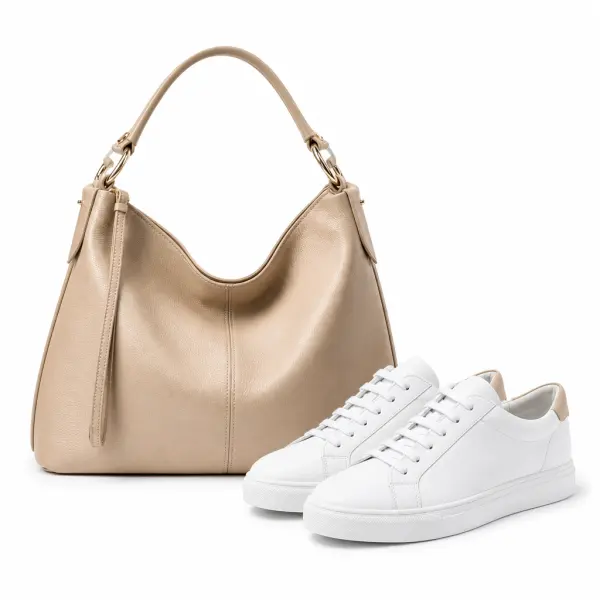
Inspect where highlights mirror the original environment.

Check the complete outline against the new white field.

Review narrow gaps, fine parts, and see-through areas carefully.
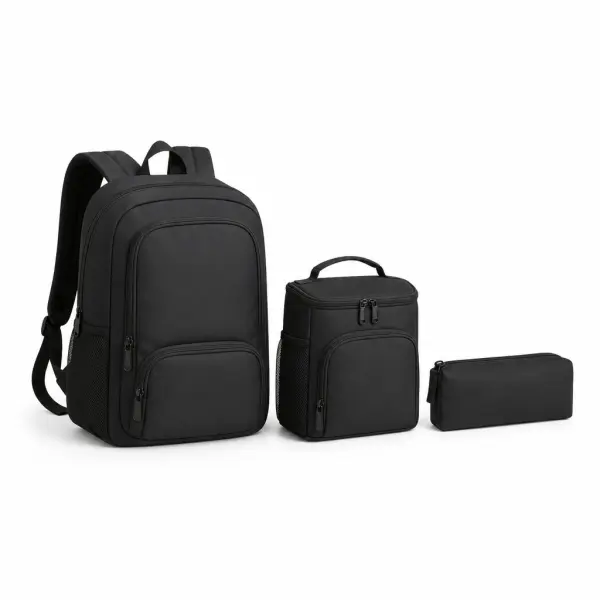
Compare the crop and white space with the current requirements of the listing destination.
Consistency comes from repeatable visual checks, not an unsupported automation claim.
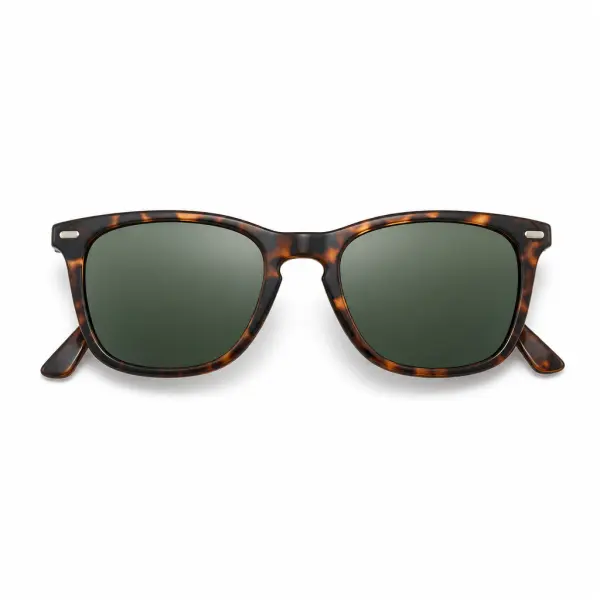
Leave intentional space around the complete product.
Keep comparable items framed in a similar way.
Decide how the object should feel grounded on white.

Review faint boundaries and internal reflections that can disappear against pure white.
Listing destination, material edges, contact shadow, crop, and catalog consistency need separate review.
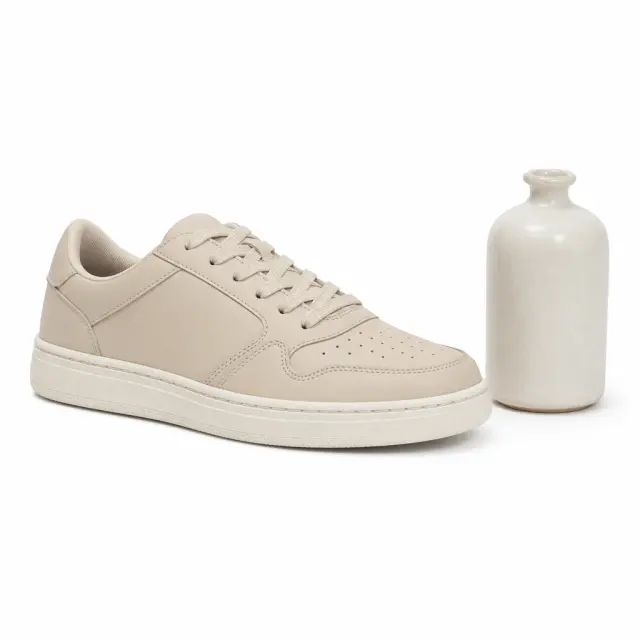
Keep every required part inside the frame.
Current scope
Object

Inspect reflective, pale, and narrow details.
Current scope
Edges
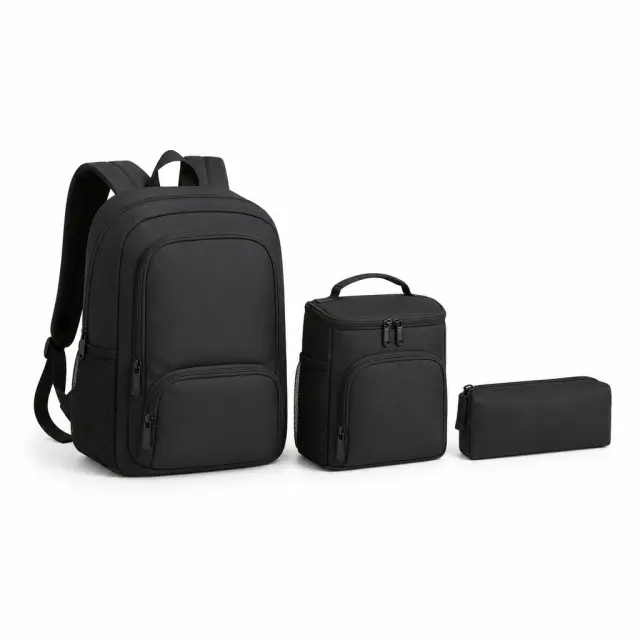
Compare margins, scale, viewpoint, and shadows.
Current scope
Set
Before you open the workspace, these checkpoints explain where the online tool fits, what file and quality limits to expect, and how uploads are handled.
Uploaded photos and videos are processed for the requested background edit, then removed from active processing storage after the result is generated.
Current scope
Temporary processing
Use JPG, PNG, WebP, MP4, or MOV files depending on the workflow. Very low-resolution sources, heavy blur, or extreme motion can limit final edge quality.
Current scope
Format-aware exports
The AI workspace is best for fast, repeatable background edits; manual Photoshop-style masking still helps when a file needs pixel-level art direction.
Current scope
Faster than manual masking
Product photos, portraits, passport-style images, and short clips work best when the subject is clear, well lit, and not heavily obstructed.
Current scope
Use-case fit check
Start free, choose a recurring plan for steady production, or buy credits when you only need a few clean white-background exports.
Answers cover white output, crop, pale products, shadows, supported inputs, and marketplace rule checks.
Move from source isolation to product-edge, framing, and destination checks.
Choose a supported image up to 10 MB with the complete product visible.
Remove the original scene and preview the product on white.
Check edges, crop, spacing, reflections, and shadows against the destination requirements.
Open the image workspace, then judge the result against the intended catalog or listing context.