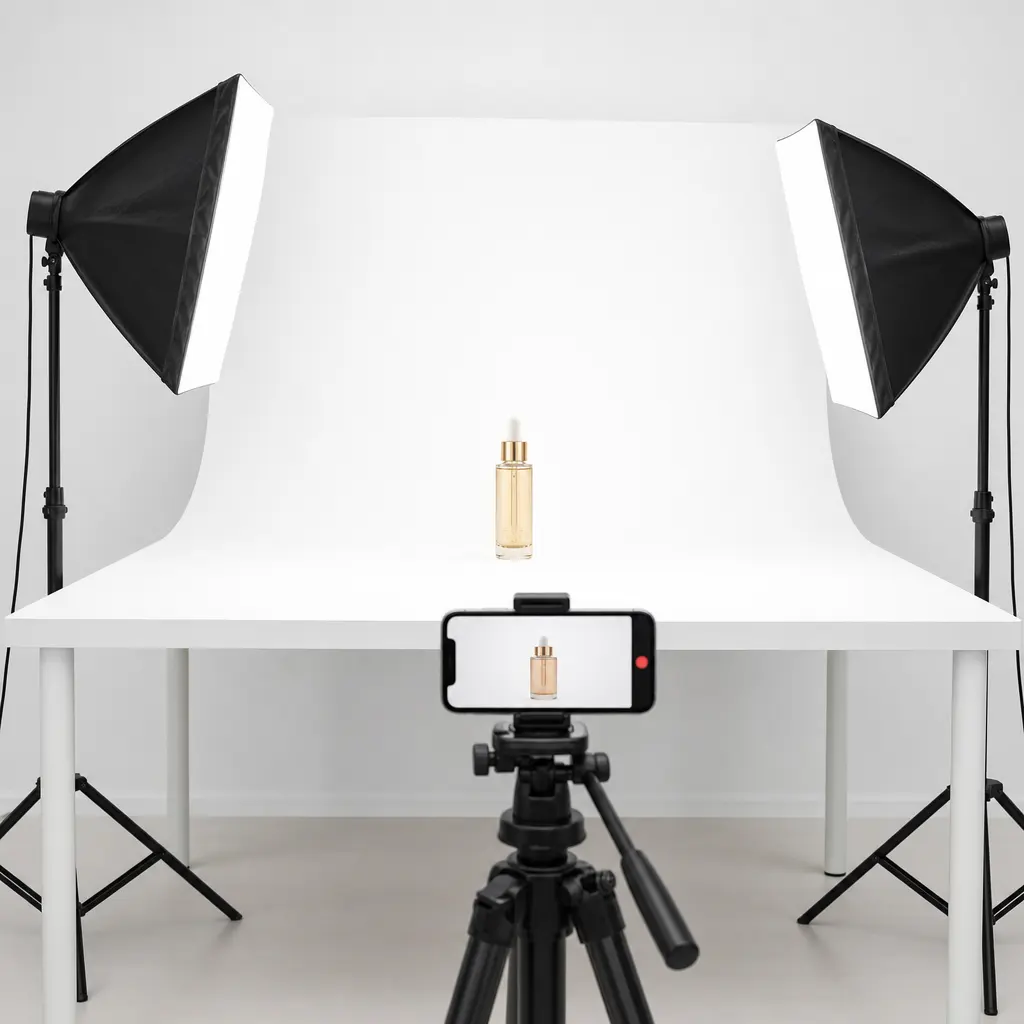


Moving-edge stability
Compare hair, hands, clothing, and fast product edges near the beginning and later in the clip.
A stable poster frame is useful, but playback reveals edge chatter and short-lived omissions.
Turn an uploaded clip into a focused white-background video, then watch more than the opening frame before deciding the result is ready.
Use an MP4, MOV, M4V, or MKV file up to 100 MB and inspect motion, similar colors, fine edges, and shadows throughout the clip.
Turn an uploaded clip into a focused white-background video, then watch more than the opening frame before deciding the result is ready.
Use an MP4, MOV, M4V, or MKV file up to 100 MB and inspect motion, similar colors, fine edges, and shadows throughout the clip.
White video continuity
Use more than one moment from the clip to judge whether the subject remains readable as pose, blur, and overlap change.
Compare hair, hands, clothing, and fast product edges near the beginning and later in the clip.
A stable poster frame is useful, but playback reveals edge chatter and short-lived omissions.

Watch for background tone changes, disappearing contact cues, and moments where the subject appears to float.
Check the visual relationship between subject and background through movement, not only at the cleanest frame.
A product turntable, a presenter, a catalog reel, and a hands-on tutorial expose different edges and motion problems.
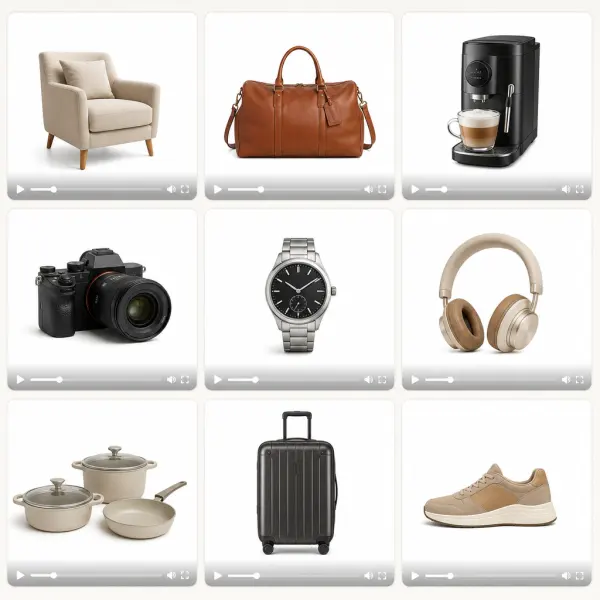
Protect labels, reflective edges, rotating parts, and a restrained contact shadow so the item remains readable through movement.

Watch hair, glasses, shoulders, and hands as they cross the old background because the outline changes from frame to frame.
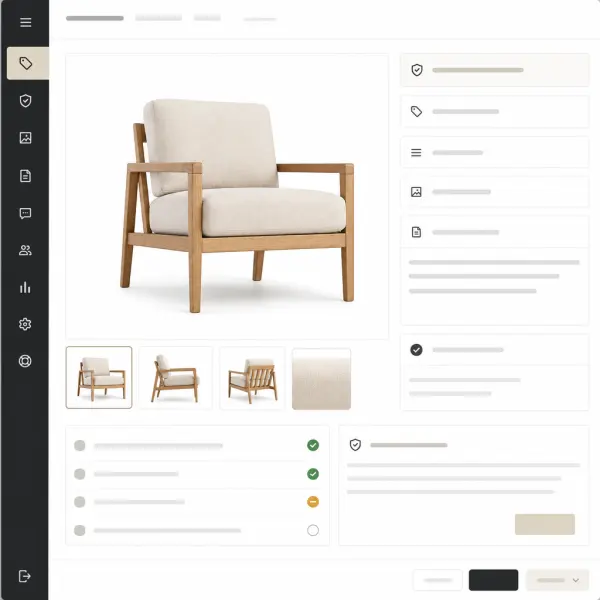
Match framing, subject scale, and white treatment across separately edited clips without implying that several files are processed together.

Check fingers, tools, cables, and small moving objects whenever they overlap the presenter or leave the body outline.
These checks focus on time-based defects that a still preview cannot prove or rule out.

Pause only after a full viewing so you notice brief flicker, missing details, or a late scene change before concentrating on individual frames.
Current scope
Full playback
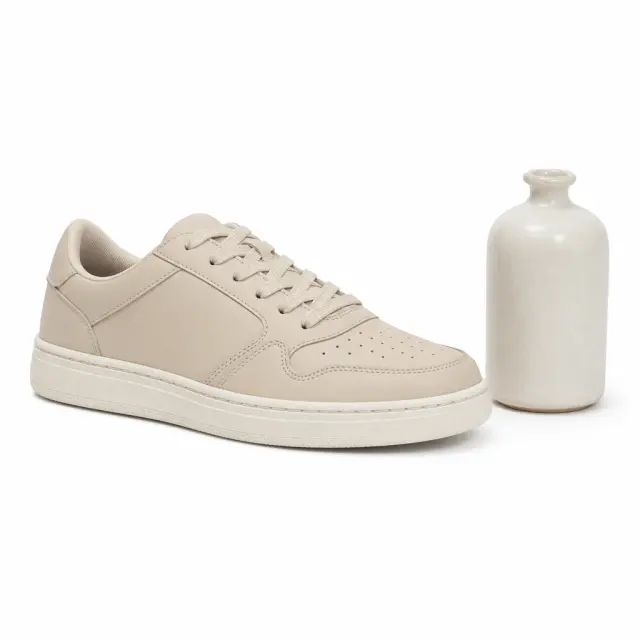
Look for moments when light-colored parts blend into the new field, especially during turns or exposure changes.
Current scope
Similar colors

Fast hands, hair, and props can reveal temporary gaps or halos when they overlap the body or move across a busy source scene.
Current scope
Motion overlap

Compare the subject’s brightness with the white field and retain useful contact cues when removing them would make the subject appear suspended.
Current scope
Grounding cues
Before you open the workspace, these checkpoints explain where the online tool fits, what file and quality limits to expect, and how uploads are handled.
Uploaded photos and videos are processed for the requested background edit, then removed from active processing storage after the result is generated.
Current scope
Temporary processing
Use JPG, PNG, WebP, MP4, or MOV files depending on the workflow. Very low-resolution sources, heavy blur, or extreme motion can limit final edge quality.
Current scope
Format-aware exports
The AI workspace is best for fast, repeatable background edits; manual Photoshop-style masking still helps when a file needs pixel-level art direction.
Current scope
Faster than manual masking
Product photos, portraits, passport-style images, and short clips work best when the subject is clear, well lit, and not heavily obstructed.
Current scope
Use-case fit check
Keep the upload, white-background edit, and continuity review distinct so each stage has a clear purpose.

Choose an MP4, MOV, M4V, or MKV file up to 100 MB and favor footage where the main subject remains visible through the sequence.

Process the clip in the video workspace and keep the goal narrow: a white field behind the subject rather than an unrelated replacement scene.

Review the full duration, then revisit difficult movements, pale details, and changing shadows before continuing with the finished clip.
White output, background removal, arbitrary scene replacement, and still-image editing solve related but different production tasks.
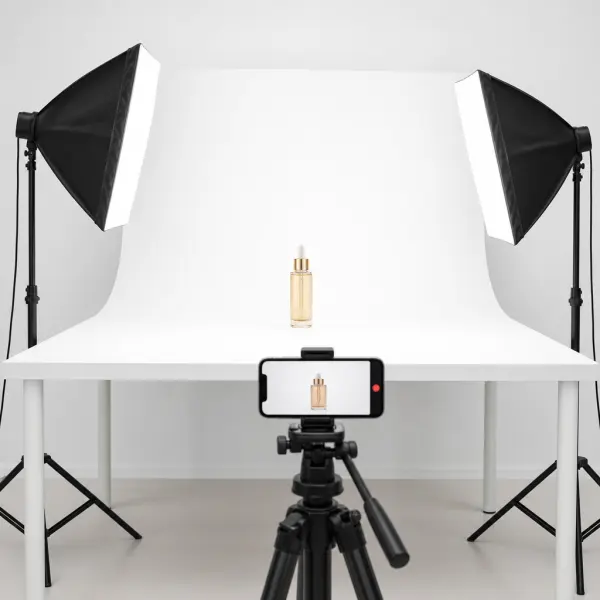
Use the dedicated image maker when the source is a finished photograph rather than a time-based clip.
Switch from video to the white-image tool
Choose the remover page when subject separation is the main task and the eventual background has not been decided.
Open video background removal
Use the broader replacement page when a photographic or designed scene—not white—is the destination.
Explore video scene replacement
Switch to the instructional photo page when the source is a single frame rather than a time-based clip.
Read the white photo guideStart free, choose a recurring plan for steady production, or buy credits when you only need a few clean white-background exports.
Answers cover the white-output workflow, supported inputs, moving-edge problems, pale subjects, green screens, and the boundary with general replacement.
Open the video workspace, keep the outcome focused on white, and check every difficult movement before deciding how to use the clip.