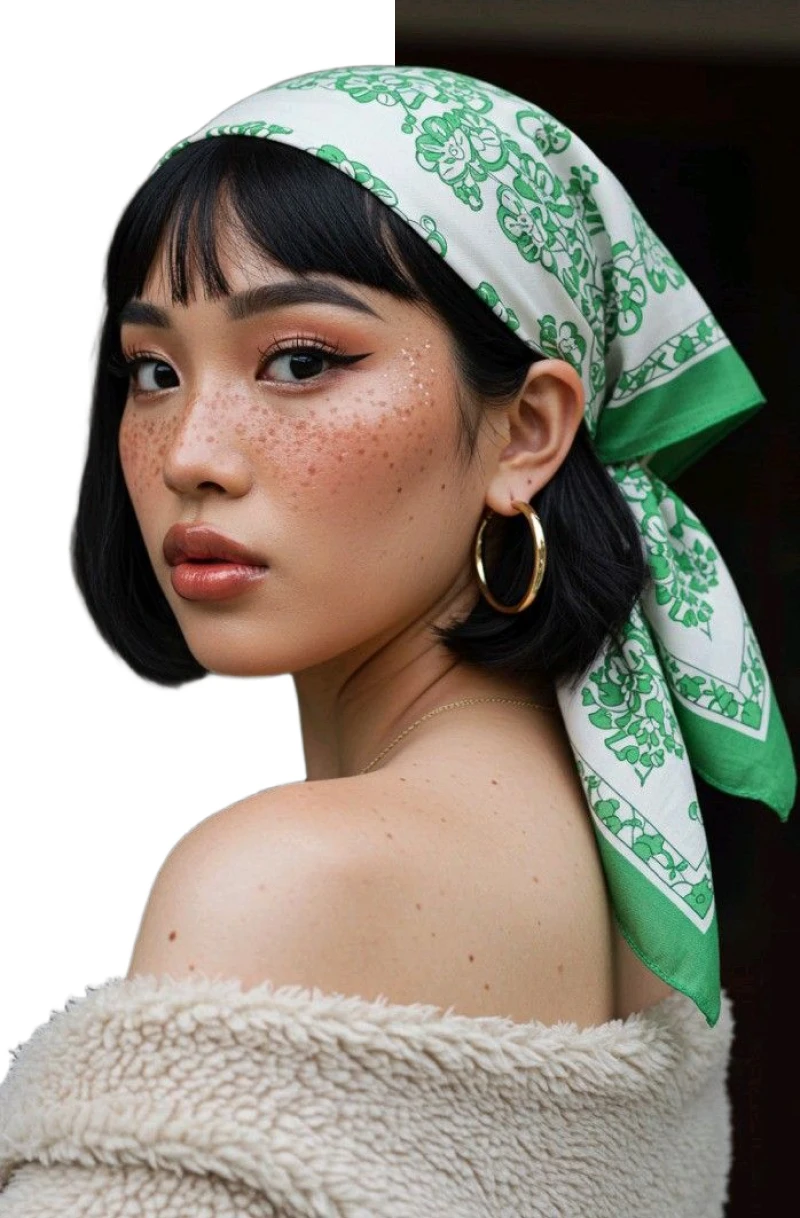


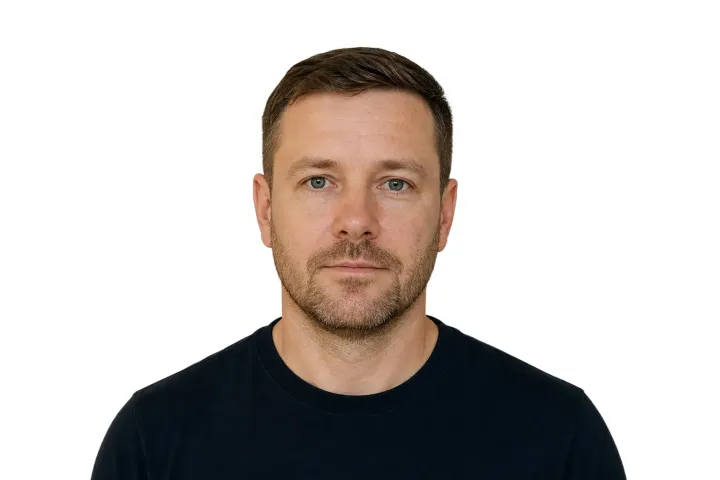
Hair and the full head outline
Inspect fine strands, ears, and the complete boundary around the head.
Use this portrait comparison to inspect hair, clothing, shadow, and crop before checking official rules.
Change a passport-style portrait background to white, then review the outline, clothing, shadows, and crop.
This tool changes the background only; always verify current official requirements and acceptance rules separately.
Change a passport-style portrait background to white, then review the outline, clothing, shadows, and crop.
This tool changes the background only; always verify current official requirements and acceptance rules separately.
Portrait boundary review
The background can change while hair, clothing, shadow, and crop still require a separate visual check.
Inspect fine strands, ears, and the complete boundary around the head.
Use this portrait comparison to inspect hair, clothing, shadow, and crop before checking official rules.
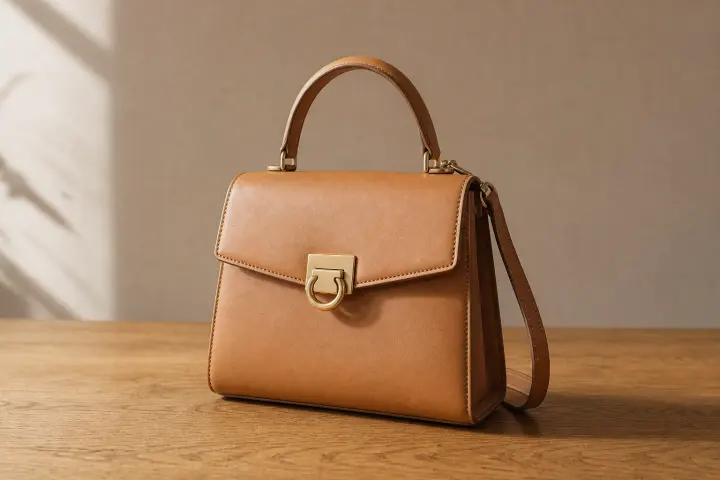
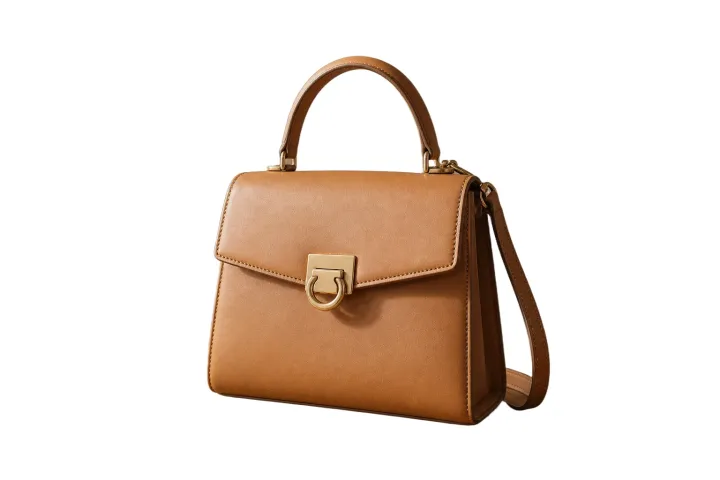
Check shoulders and clothing against white, then compare the crop with current official guidance.
Use this portrait comparison to inspect hair, clothing, shadow, and crop before checking official rules.
Use it for the background step, not as a document-compliance checker.
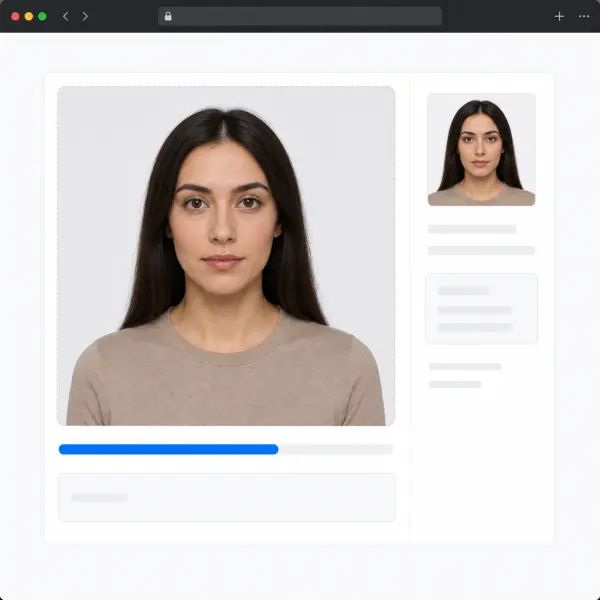
Replace the original scene with a white field for an ID-style or visa portrait, then verify its destination rules.
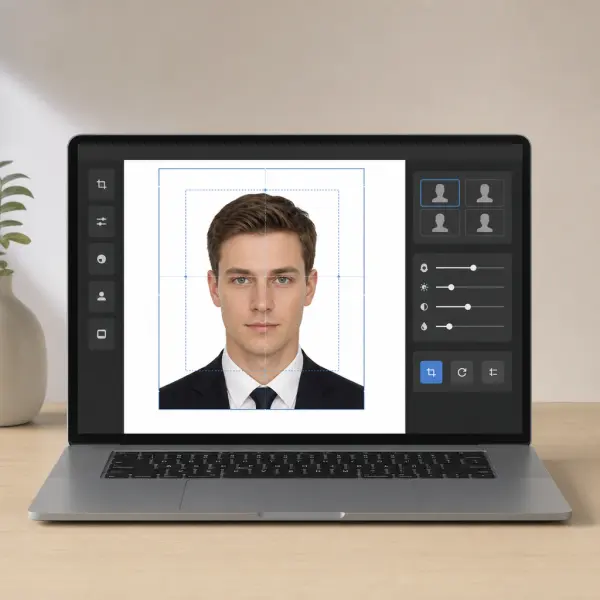
Inspect hair, shoulders, ears, and light clothing.
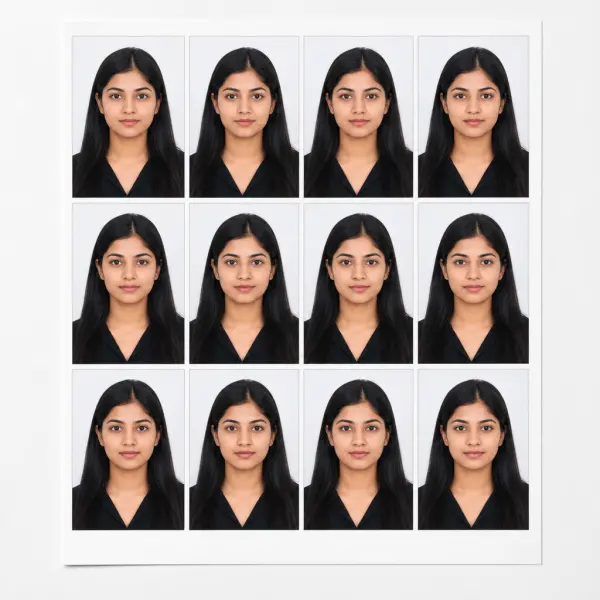
The tool does not validate pose, dimensions, lighting, identity, or acceptance.

Inspect frames, reflections, and jewelry without treating the edit as proof of compliance.
A close visual check can reveal missing detail or unwanted shadows.
Inspect fine strands around the full head.

Check shoulders and collars that can blend into white.
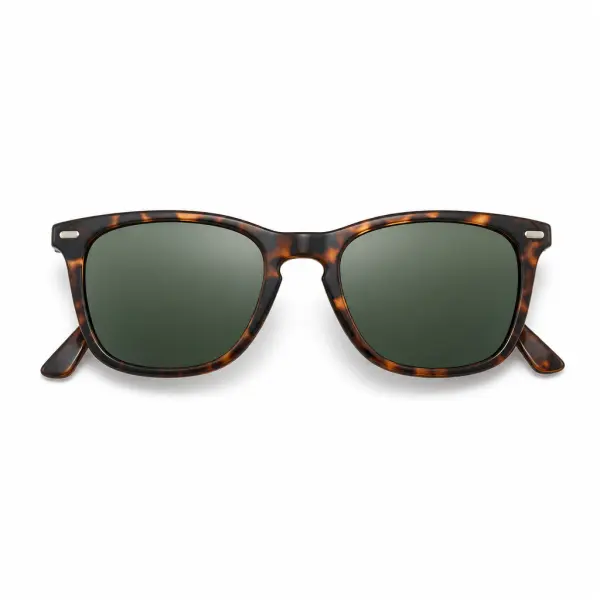
Review the visible frame, then compare it with the relevant official rules.
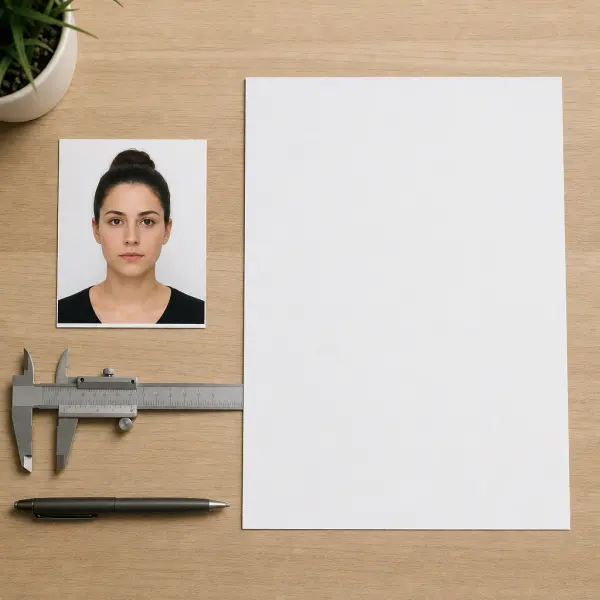
Compare background, crop, and file requirements with the current authority guidance before submission.
Background color is only one factor; hair, clothing, shadow, crop, and destination rules still matter.

Review the complete area around the portrait.
Current scope
Background
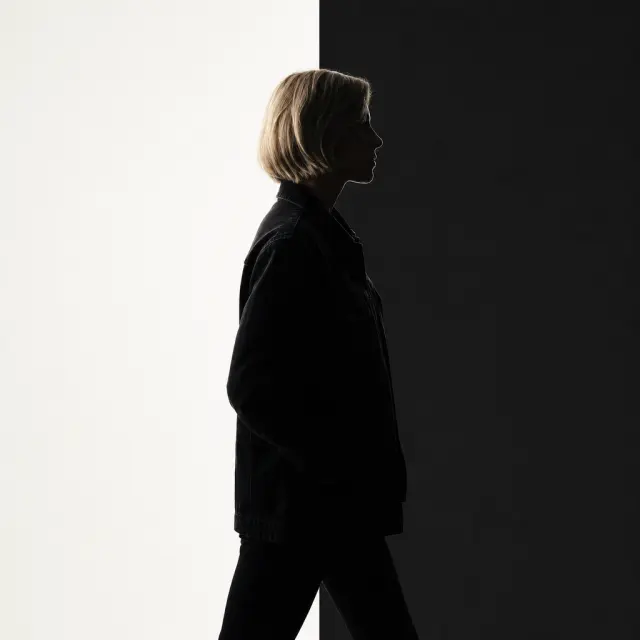
Inspect hair, ears, shoulders, and clothing.
Current scope
Portrait
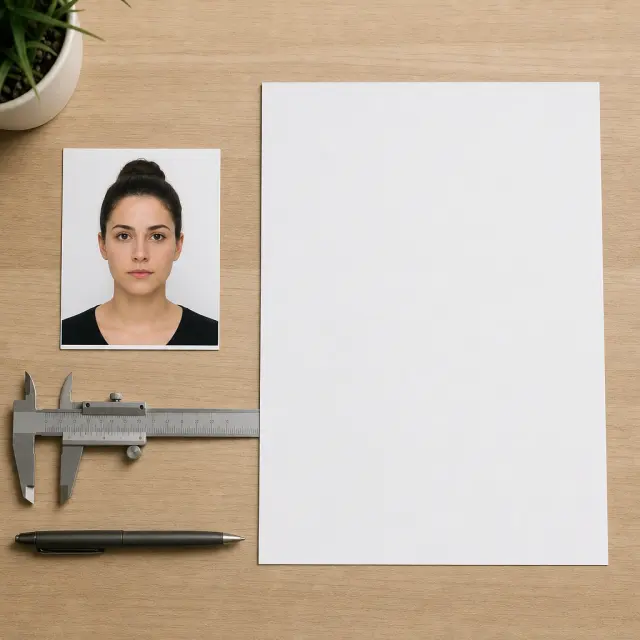
Check the current authority rules for the intended document.
Current scope
Requirements
Before you open the workspace, these checkpoints explain where the online tool fits, what file and quality limits to expect, and how uploads are handled.
Uploaded photos and videos are processed for the requested background edit, then removed from active processing storage after the result is generated.
Current scope
Temporary processing
Use JPG, PNG, WebP, MP4, or MOV files depending on the workflow. Very low-resolution sources, heavy blur, or extreme motion can limit final edge quality.
Current scope
Format-aware exports
The AI workspace is best for fast, repeatable background edits; manual Photoshop-style masking still helps when a file needs pixel-level art direction.
Current scope
Faster than manual masking
Product photos, portraits, passport-style images, and short clips work best when the subject is clear, well lit, and not heavily obstructed.
Current scope
Use-case fit check
Start free, choose a recurring plan for steady production, or buy credits when you only need a few clean white-background exports.
Answers separate the editing workflow from official acceptance, dimensions, crop, clothing, and file rules.
Review the edited portrait first, then verify current requirements with the destination authority.
Choose a supported still image up to 10 MB.
Process the original background and preview the portrait on white.
Inspect the outline, shadows, and crop, then check current official rules separately.
Open the portrait workflow for the background edit, without implying acceptance by any authority.