


Subject contrast in the new scene
Review similar colors and the visible outline as the subject moves through the frame.
Use this video comparison to inspect subject contrast, scale, blur, and continuity through the clip.
Upload a clip, replace the original scene, and inspect how the subject moves against the new background.
MP4, MOV, M4V, or MKV — up to 100 MB. Review the complete result before publishing.
Upload a clip, replace the original scene, and inspect how the subject moves against the new background.
MP4, MOV, M4V, or MKV — up to 100 MB. Review the complete result before publishing.
Replacement continuity review
Check scene fit and edge continuity at more than one moment before publishing the video.
Review similar colors and the visible outline as the subject moves through the frame.
Use this video comparison to inspect subject contrast, scale, blur, and continuity through the clip.

Compare start and later frames for placement, blur, and changing edge quality.
Use this video comparison to inspect subject contrast, scale, blur, and continuity through the clip.
The new background should support the subject across every frame.
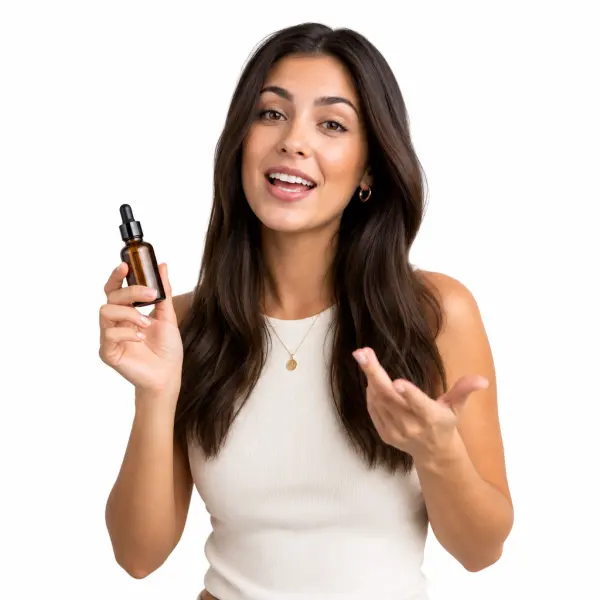
Use an uncluttered scene when clear subject separation matters.

Choose context that suits the clip without competing with the subject.

Inspect pale edges and motion against the bright field.
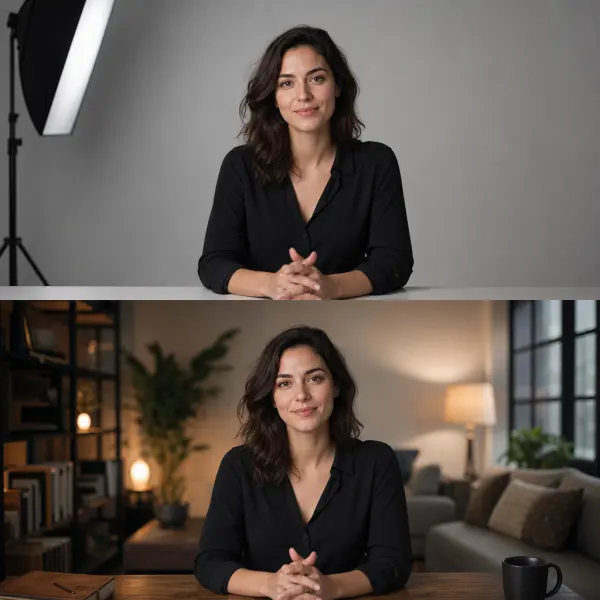
Choose a replacement image whose subject scale and perspective fit the source clip.
Review the visual relationship between subject and scene over time.
Check similar colors as the subject moves across the frame.

Confirm the subject remains intentionally positioned throughout the clip.
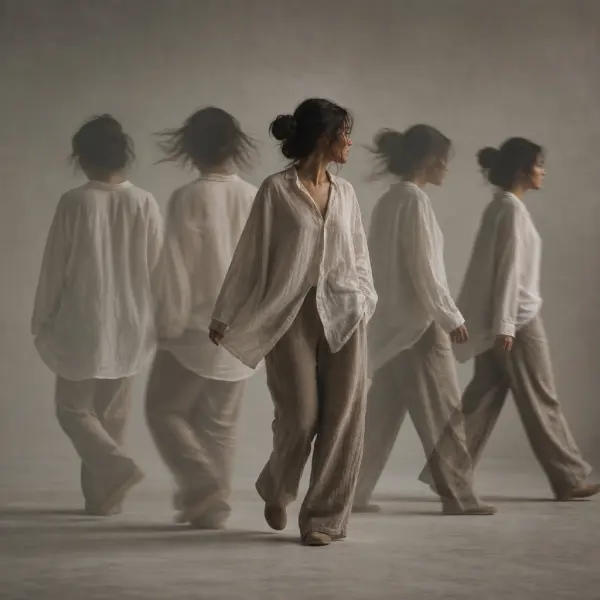
Inspect hair, gestures, blur, and occlusions from start to finish.

Review the replacement immediately before and after scene changes for visible discontinuities.
File limits, subject contrast, scale, motion continuity, and background type require separate checks.
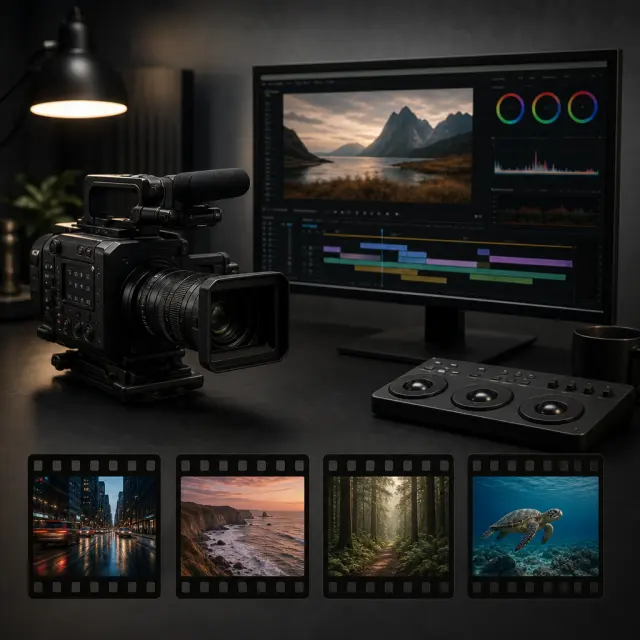
Upload a supported clip up to 100 MB.
Current scope
Inputs
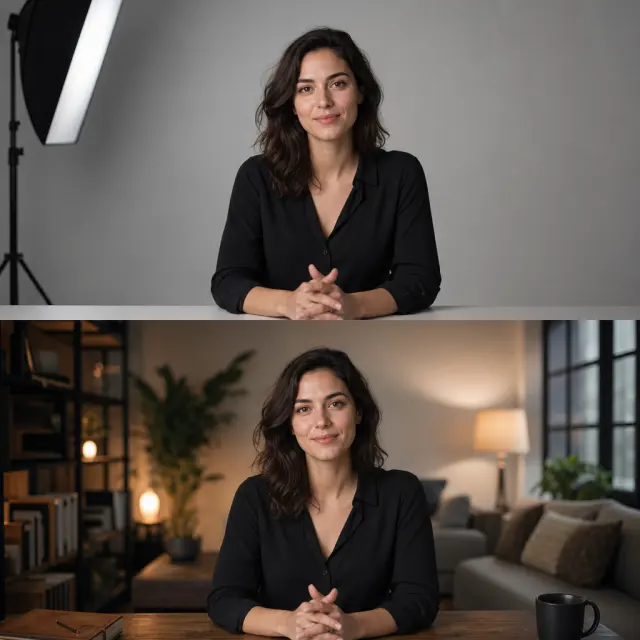
Compare subject placement with the replacement.
Current scope
Scene fit
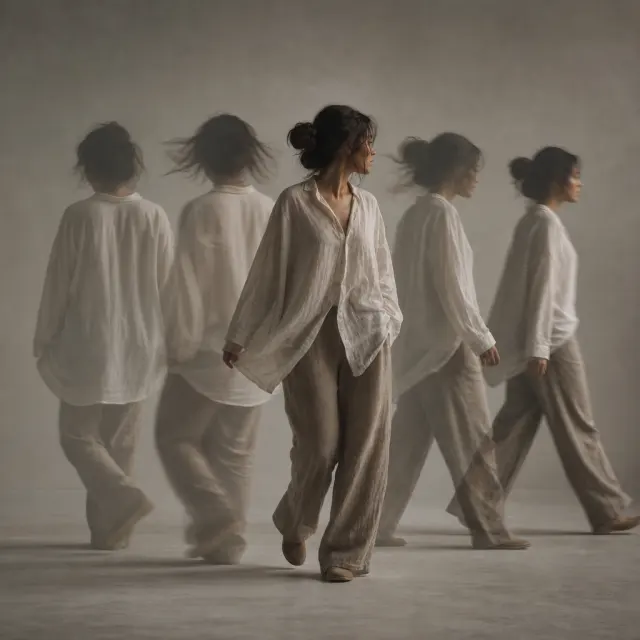
Inspect changing edges before publishing.
Current scope
Motion review
Before you open the workspace, these checkpoints explain where the online tool fits, what file and quality limits to expect, and how uploads are handled.
Uploaded photos and videos are processed for the requested background edit, then removed from active processing storage after the result is generated.
Current scope
Temporary processing
Use JPG, PNG, WebP, MP4, or MOV files depending on the workflow. Very low-resolution sources, heavy blur, or extreme motion can limit final edge quality.
Current scope
Format-aware exports
The AI workspace is best for fast, repeatable background edits; manual Photoshop-style masking still helps when a file needs pixel-level art direction.
Current scope
Faster than manual masking
Product photos, portraits, passport-style images, and short clips work best when the subject is clear, well lit, and not heavily obstructed.
Current scope
Use-case fit check
Start free, choose a recurring plan for steady production, or buy credits when you only need a few clean white-background exports.
Answers cover supported clips, white and custom scenes, motion review, still images, and output limits.
Process the clip, select the new scene, and compare early, middle, and later frames.

Choose an MP4, MOV, M4V, or MKV file up to 100 MB.
Apply the video workflow so the subject can appear against a new scene.
Inspect motion edges, contrast, placement, and occlusions across the complete clip.
Open the video workspace to compare the moving subject against the selected replacement scene.